Search and filters
The search box
Start typing and iopix suggests matches as you go: people, tags, albums, folders, cameras, lenses, photographers, places, years and months. Pick one and it becomes a chip. Add more chips to narrow down: "Emma" + "Beach" + "2019" shows photos of Emma at the beach in 2019.
Press Enter instead to search the words everywhere: file names, folders, titles, captions, tags, people, text recognised in the photos, and photo descriptions.
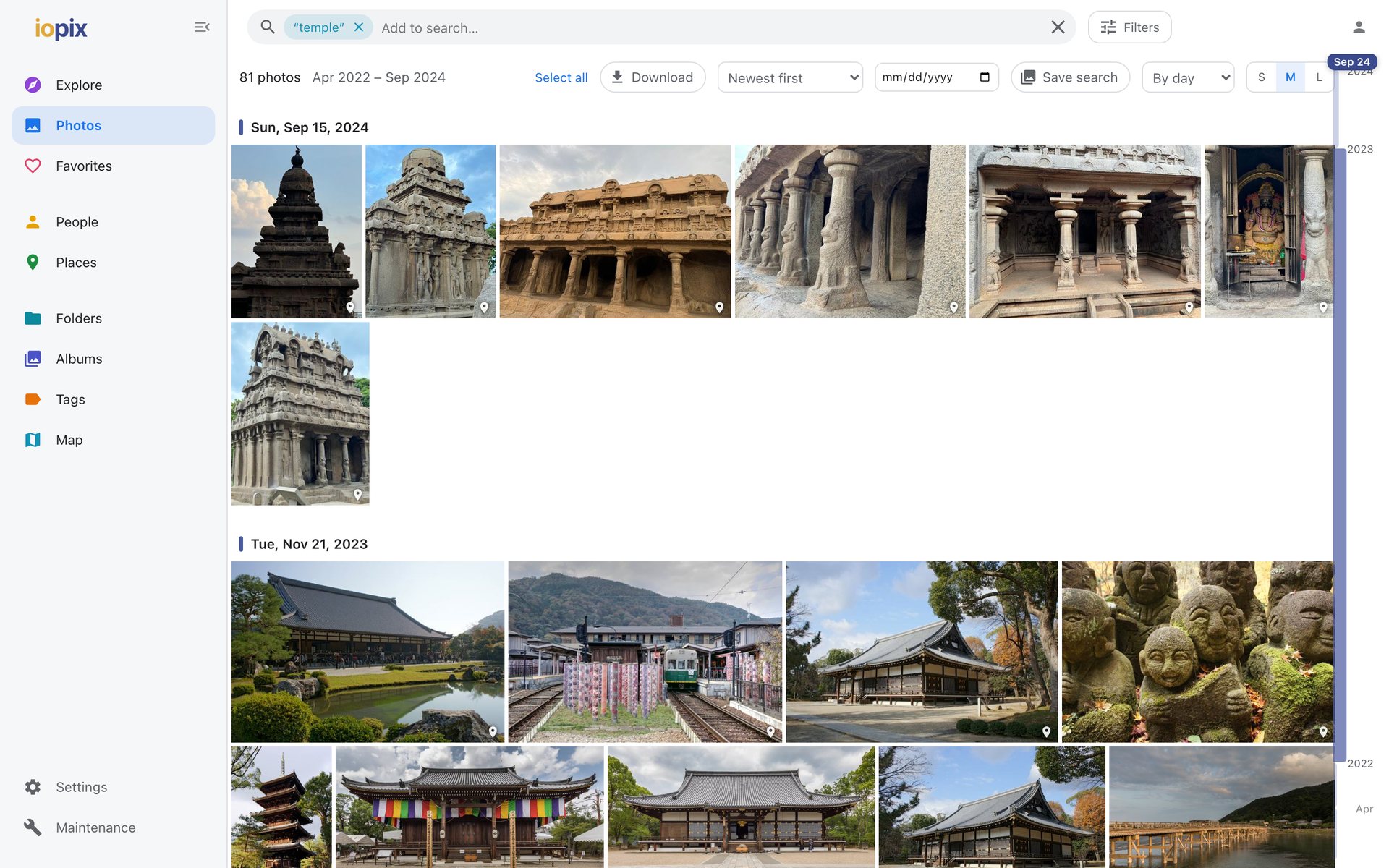
Search by what is in the photo
With content search installed (see Models), choose Photos that look like… and describe what you want in plain words: "kids jumping into a lake", "snowy mountain at sunset", "birthday cake with candles". iopix finds photos by what they show, even when nobody tagged them.
From any photo, More photos like this does the same with the photo itself as the example.
Filters
Filters opens a panel with every piece of metadata in the current results, each with a live count:
- type (photo or video), rating, favorites
- date range, years
- people, tags, albums and folders
- place, with or without a location
- camera, lens, ISO, aperture, focal length
- photographer, file type
- AI filters: sharpest, blurry, very dark, very bright, objects in the picture, people in the picture, best frame of each burst
Filters combine with the search chips.
Smart albums
Any combination of search and filters can be kept: Save search in the bar above the grid. It appears under Albums as a smart album that updates itself as photos are added.