Places and the map
Places
Places sorts geotagged photos by country, region and town. The names are worked out on your server from each photo's GPS position, using the offline GeoNames data (about 30 MB, downloaded once). No photo positions are sent anywhere.
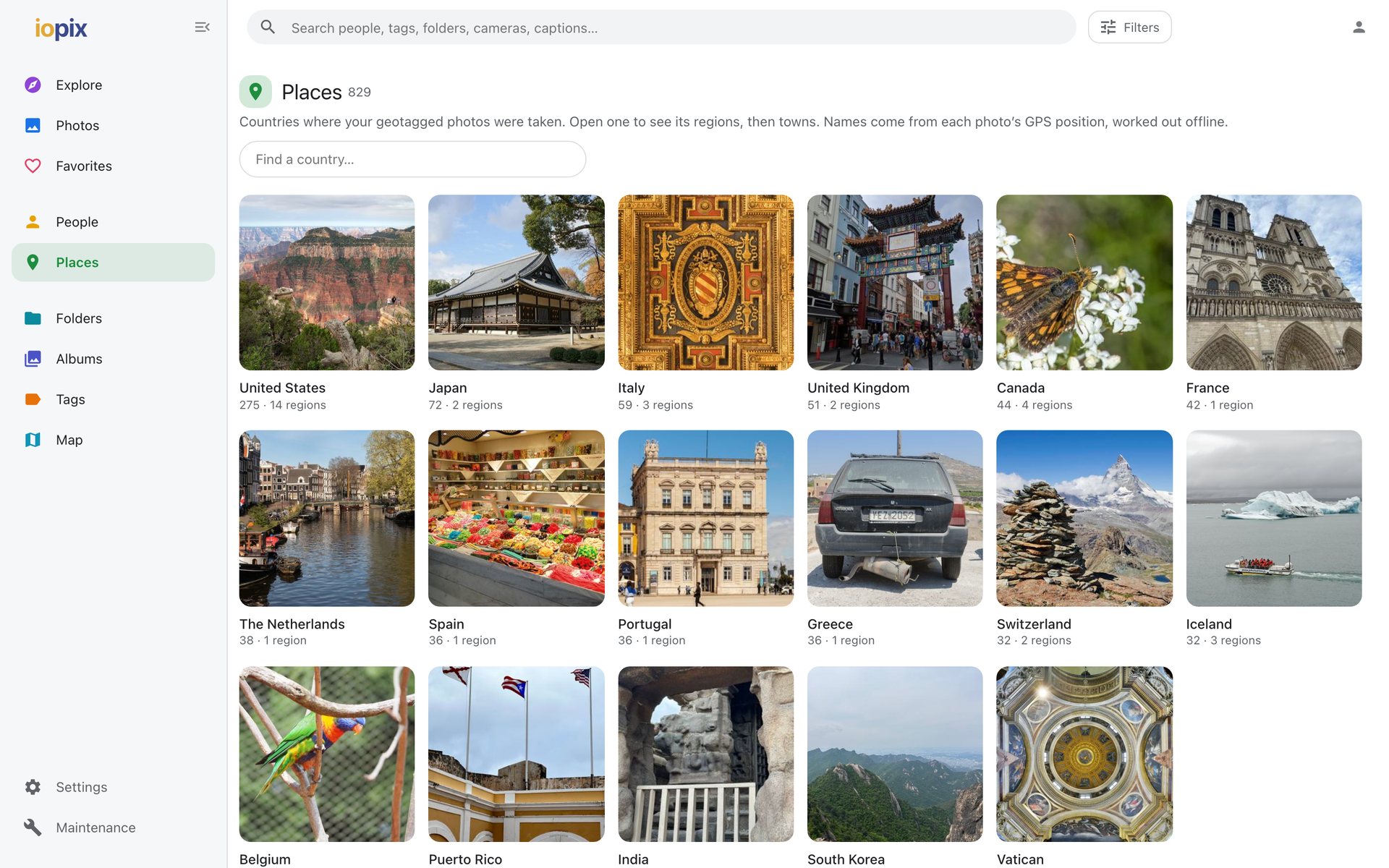
The map
Map shows every geotagged photo in clusters that split as you zoom in. Click a cluster to see its photos.
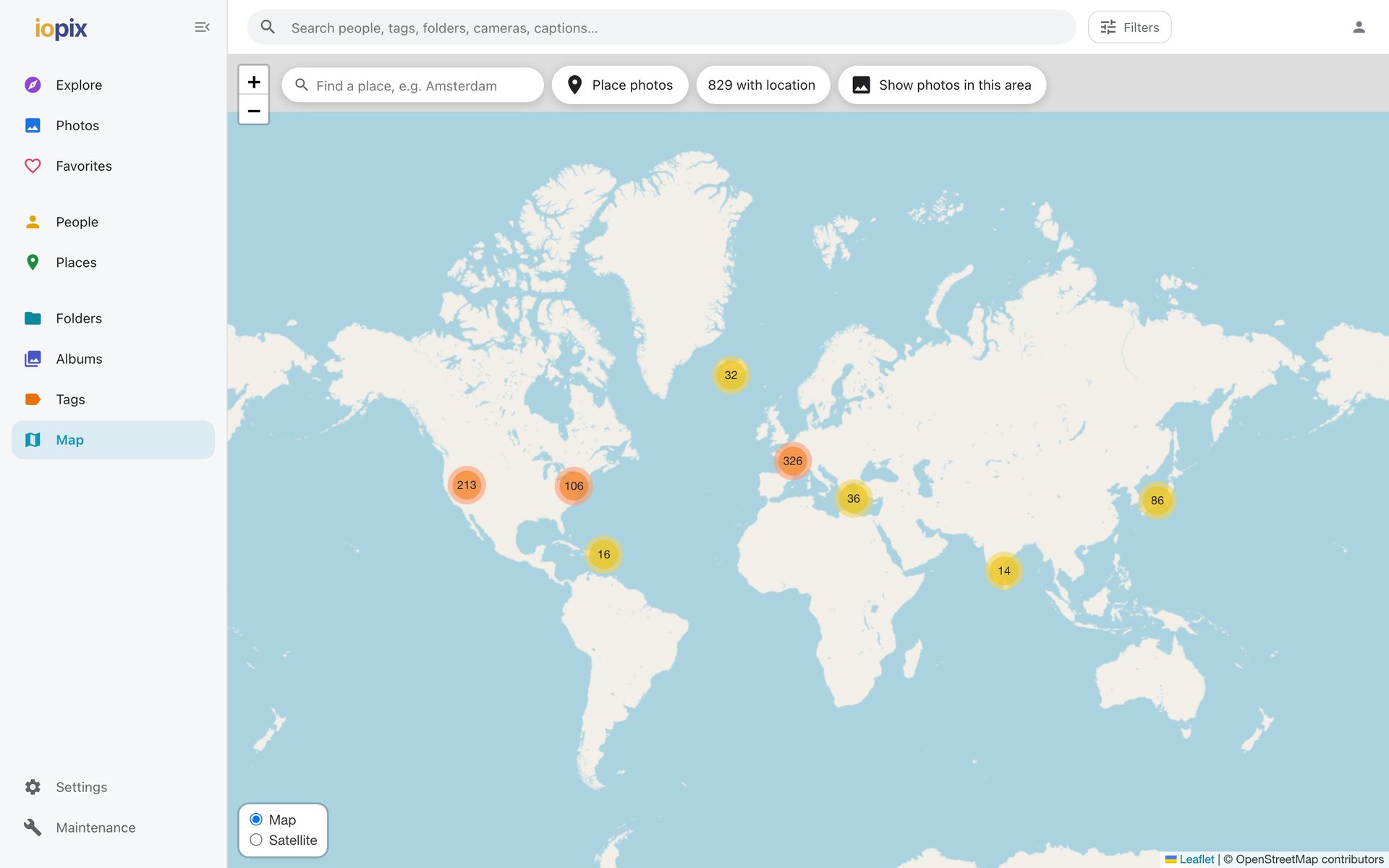
- Day's trail draws the route of one day's photos.
- Map / Satellite switches the imagery, and is remembered.
- Street View is offered from a place's pin and in the info panel.
The map uses OpenStreetMap by default, with nothing to set up. You can switch to Google Maps with your own key: see Google Maps and Cloud Vision.
Placing photos
Editors can put photos without a location on the map from Map › Place photos: find a place, pick photos from the tray, and click the map or drag them on. See Dates and locations.